

Install
FinalShell download & installation guide (Windows / macOS / Linux)
Step-by-step setup on all platforms: official sources, installing, and your first SSH connection.
Windows, macOS and Linux. Multi-tab sessions, drag-and-drop transfer, port forwarding, X11 support and remote desktop acceleration. Server management without the hassle.

The three pillars of FinalShell, pursued since day one
Credentials encrypted locally, never uploaded; the official build is free with no bundled extras. Avoid modified or cracked builds that may leak credentials.
Multi-tab sessions, drag-and-drop transfers and a localized interface that you can start using in minutes.
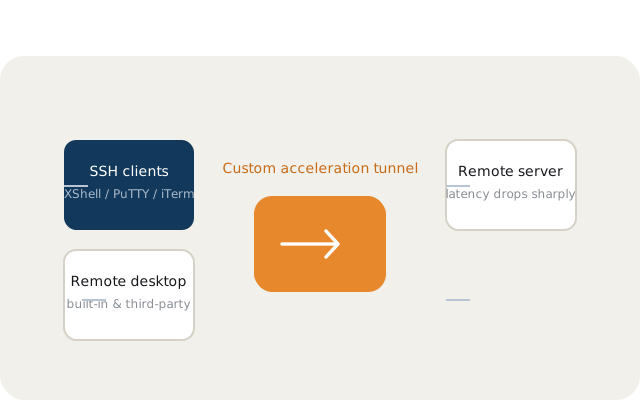
Cross-platform Windows, macOS and Linux; X11, port forwarding and remote desktop acceleration included, continuously updated.
Dozens of machines and dozens of windows is a thing of the past. FinalShell keeps connections, transfers, forwarding and acceleration in one clean window — ready to use, no mess.
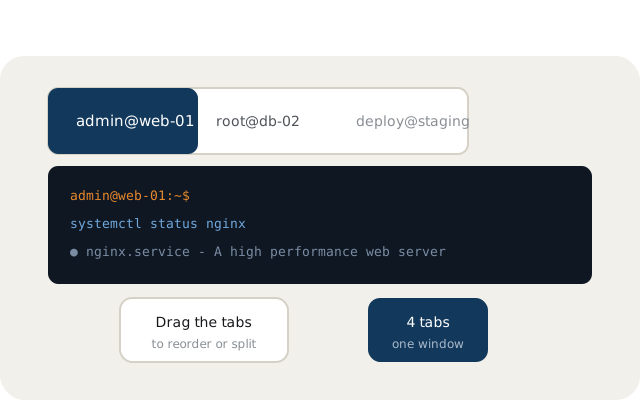
From sessions to transfers, from forwarding to acceleration — one tool
Each SSH connection in its own tab: drag to reorder, detach or split layouts. Command history and quick commands shared across tabs. Manage a dozen servers without losing your head.
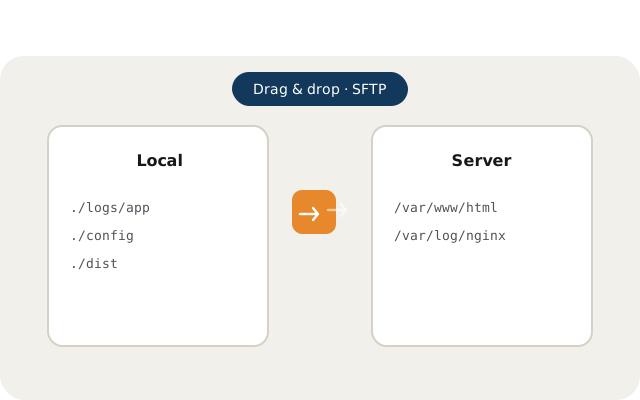
Built-in SFTP panel connects to your session: drag files between local and remote, batch directories, background tasks that never interrupt your terminal.
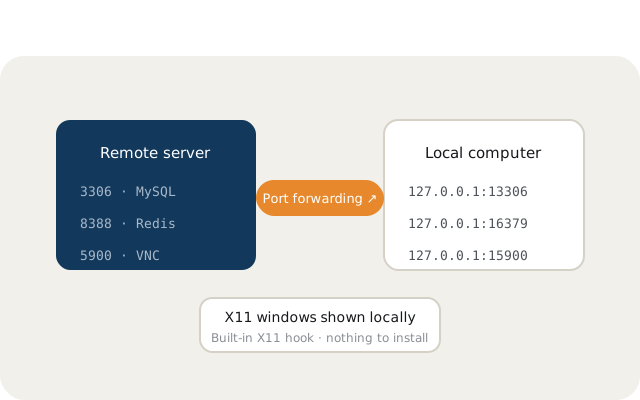
Built-in X11 hook displays remote graphical apps on your local desktop; visual port forwarding mapping maps remote services to local ports in one step.
Regularly updated installation, connection and ops tips
Step-by-step setup on all platforms: official sources, installing, and your first SSH connection.
Tag windows, quick commands and the three-step fix for encoding issues.
SFTP panel workflows, visual port maps and X11 setup explained.
Windows / macOS / Linux all platforms, multi-tab management and file transfer out of the box